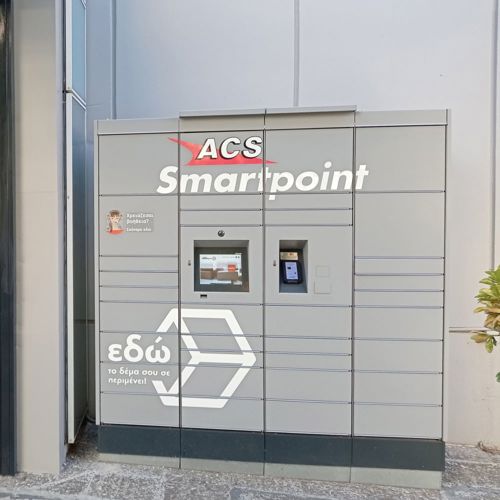
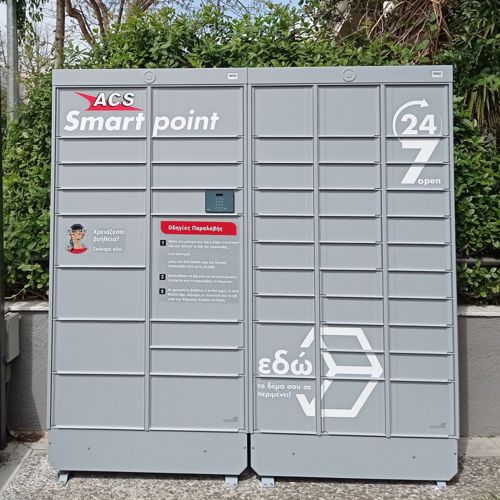
Send your package via the ACS Smartpoint Lockers
Your pachage starts its journay here!
Now you can send your shipment from an ACS Locker, 24 hours a day, 7 days a week! The new ACS service offers the possibility of sending packages directly from the ACS Lockers, serving both business and retail customers across the entire ACS Locker network.
What’s in for you?
You can visit any ACS Locker that serves you, at your own time, without waiting for a courier at your location or being restricted by store operating hours!
How do you do it?
Use your phone to scan the QR code with the "Need help?" label found on the ACS Locker, and the ACS digital assistant will appear on your mobile’s screen. From the suggested options, select "I want to send a shipment." The digital assistant, ACiStant, will ask you to enter your ACS tracking number and will then send a PIN via message to the sender's mobile phone number registered for the shipment.

By entering the PIN on the ACS Locker keypad, the appropriate locker cell will open, based on the dimensions you provided when creating the shipment. If the opened locker cell is not large enough for your package, select the option to open a new cell via the keypad or the ACS Locker screen and follow the instructions provided there.
It is important to check the messages displayed on the ACS Locker keypad and screen. Find the nearest ACS Smartpoint Locker here.
Preparation and Packaging
Before visiting the ACS Locker, it is important that the package is properly packed and that the shipment voucher is attached to it, or else the tracking number and recipient's details are clearly written on it.
Accurate and complete entry of the recipient's details, especially their mobile phone number, is essential for the successful delivery of the shipment. Additionally, the package must be correctly packed to ensure it reaches its destination safely. For detailed instructions on the appropriate materials and ways to protect the contents, you can find more information here.