Send a parcel from an ACS Locker without monitor
Steps:
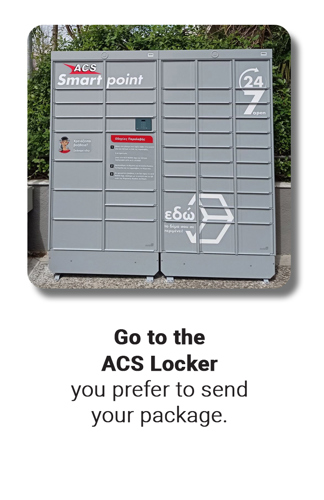
Go to the ACS Locker of your choice.
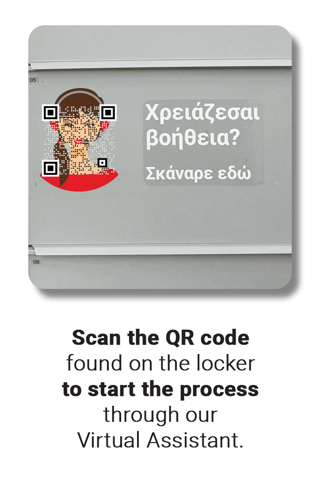
Scan the QR code on the locker located next to the "Need help?" sign using your mobile phone.
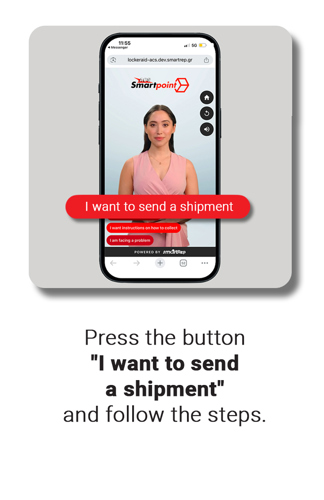
Select "I want to send a shipment."
Enter the tracking number you already have.
You will receive a 6-digit PIN on your mobile phone.
Go to the ACS Locker screen and select "New Shipment."
Enter the PIN you received. A locker cell will open automatically based on the package dimensions you entered when creating the new shipment.. Place your package inside, close the door, and press "CONFIRM" on the screen.
Important:
If your package does not fit in the opened locker cell, DO NOT close it. The pinpad will display a message to change the cell size; you must press the Green Circle (OK) button to open a larger cell for your package.
Don't forget to close the door securely, and the process is complete.